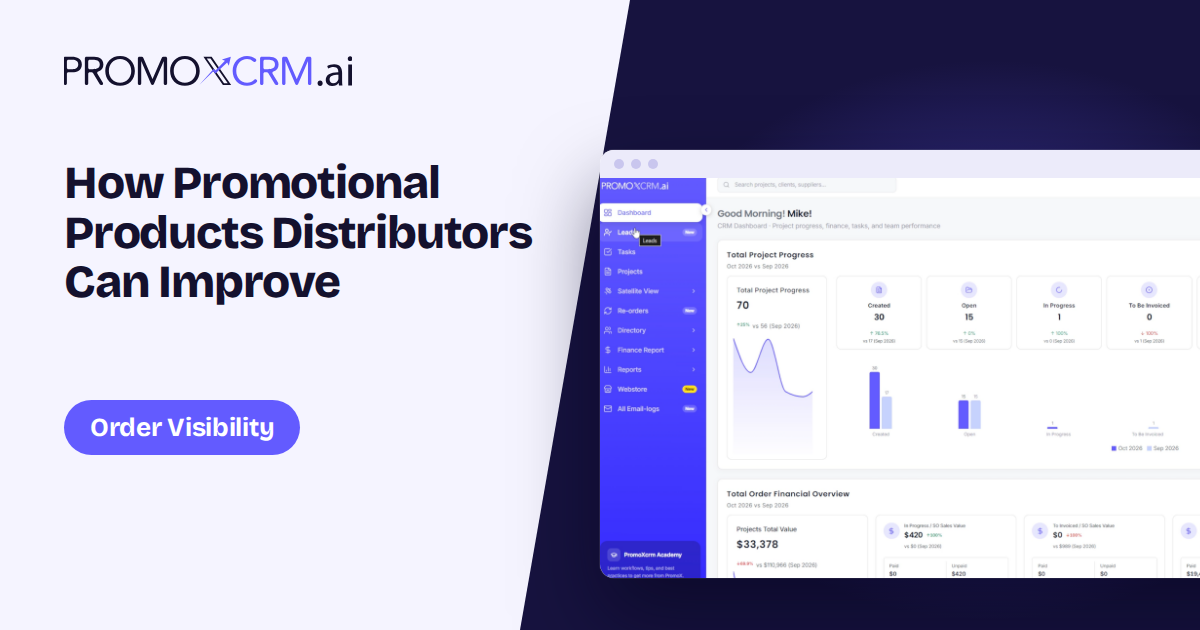
Order visibility is less about adding more status labels and more about making the next decision obvious. Teams need to see what is waiting, who owns it and whether a deadline is at risk.
Visibility begins with a shared definition of status
A status only helps when people interpret it the same way. “In progress” can mean waiting for artwork, supplier confirmation or production capacity. Define a short set of meaningful stages and specify what must be true before an order enters each one.
Put the idea into practice
For example, separate waiting for customer approval from waiting for supplier information. The distinction makes the next action clearer and helps customer-facing teams communicate accurately.
Show the next action and its owner
A dashboard of labels is not enough if no one knows what to do. For each active order, surface the next action, owner and due date. Where work depends on a customer, supplier or internal review, make that dependency visible.
Put the idea into practice
Agree on what happens when the due date passes. A useful process sends the right reminder or escalation without creating noise for every order.
Track the milestones that affect delivery
Artwork, approvals, purchasing, production, quality checks and shipping can all affect an in-hands date. Record the milestones that matter to your business and avoid filling the workflow with steps that nobody maintains.
Put the idea into practice
When a supplier date changes, update the order record and review its downstream effect. Give the customer a clear update when the schedule or decision needed from them changes.
Connect the information teams already maintain
Order visibility improves when sales, service and operations work from the same current details. If a dedicated product, accounting or shipping system remains in place, determine which fields synchronize and which team owns corrections.
Put the idea into practice
When comparing promotional products order management software, ask how it handles split shipments, revisions, backorders and cancelled items. These scenarios reveal whether the view reflects daily reality.
Review visibility from the team's perspective
Ask each role which questions take longest to answer. Sales may need customer history, customer service may need shipment status and operations may need a list of blocked approvals. Configure views around decisions, not around the entire database.
Put the idea into practice
Review a sample of orders each week: are statuses current, are owners assigned, and can users explain what is waiting? If the answer is no, fix the process before adding more reporting.
Conclusion
Useful visibility answers three practical questions: what is waiting, who owns it and when it matters. Build your tracking around those answers and keep the status definitions simple enough for the team to maintain.
Frequently asked questions
What should an order status dashboard show?
At minimum, a meaningful stage, next action, accountable owner and relevant deadline, with enough context to understand blockers.
How often should order statuses be updated?
Update them when a milestone or dependency changes. Set clear ownership so teams know who maintains each update.
Can software guarantee on-time delivery?
No software can control every supplier, approval or shipping delay. Better visibility helps teams notice risks sooner and communicate clearly.